4.0 Build 2025335

This release includes a new ROUND() function and a couple of bug fixes.

Improvement:

  • We added a ROUND(number, num_digits) function to our formula language. This function rounds a number to a specified precision:

    • To the right of the decimal point (when num_digits > 0).

    • To the nearest integer (when num_digits = 0).

    • To the left of the decimal point (when num_digits < 0).

Bug fixes:

  • We fixed the issue where default formulas were not included when exporting form settings.

  • We also made a minor fix to the French translations for the grouping operators “All” and “Any” within the role conditions.

Dear Metawee. Thank you very much for developing this new formula. I have already been able to apply it to the calculated fields and reduce the number of decimal places that appeared in abundance by default after a division, for example.

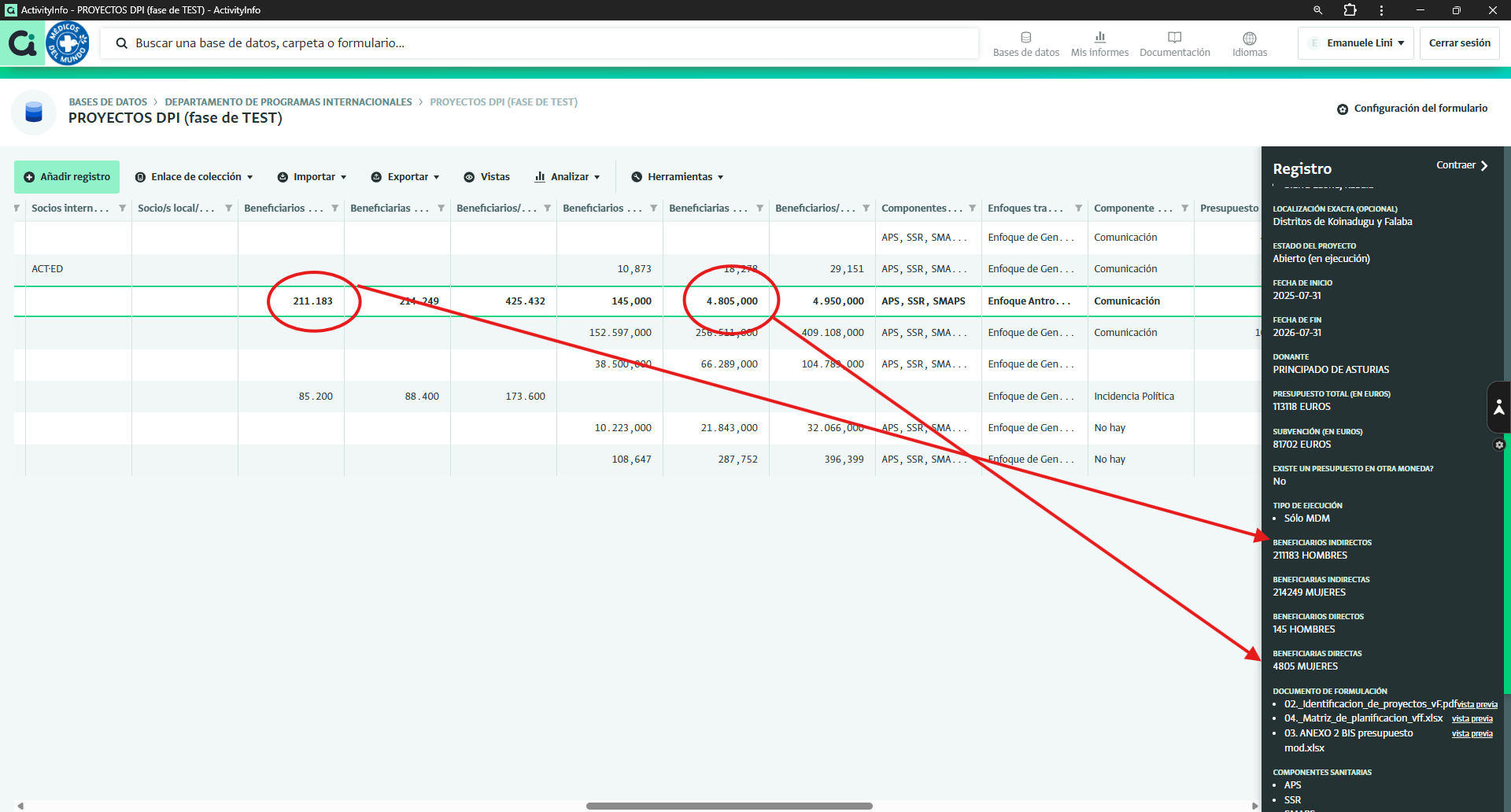
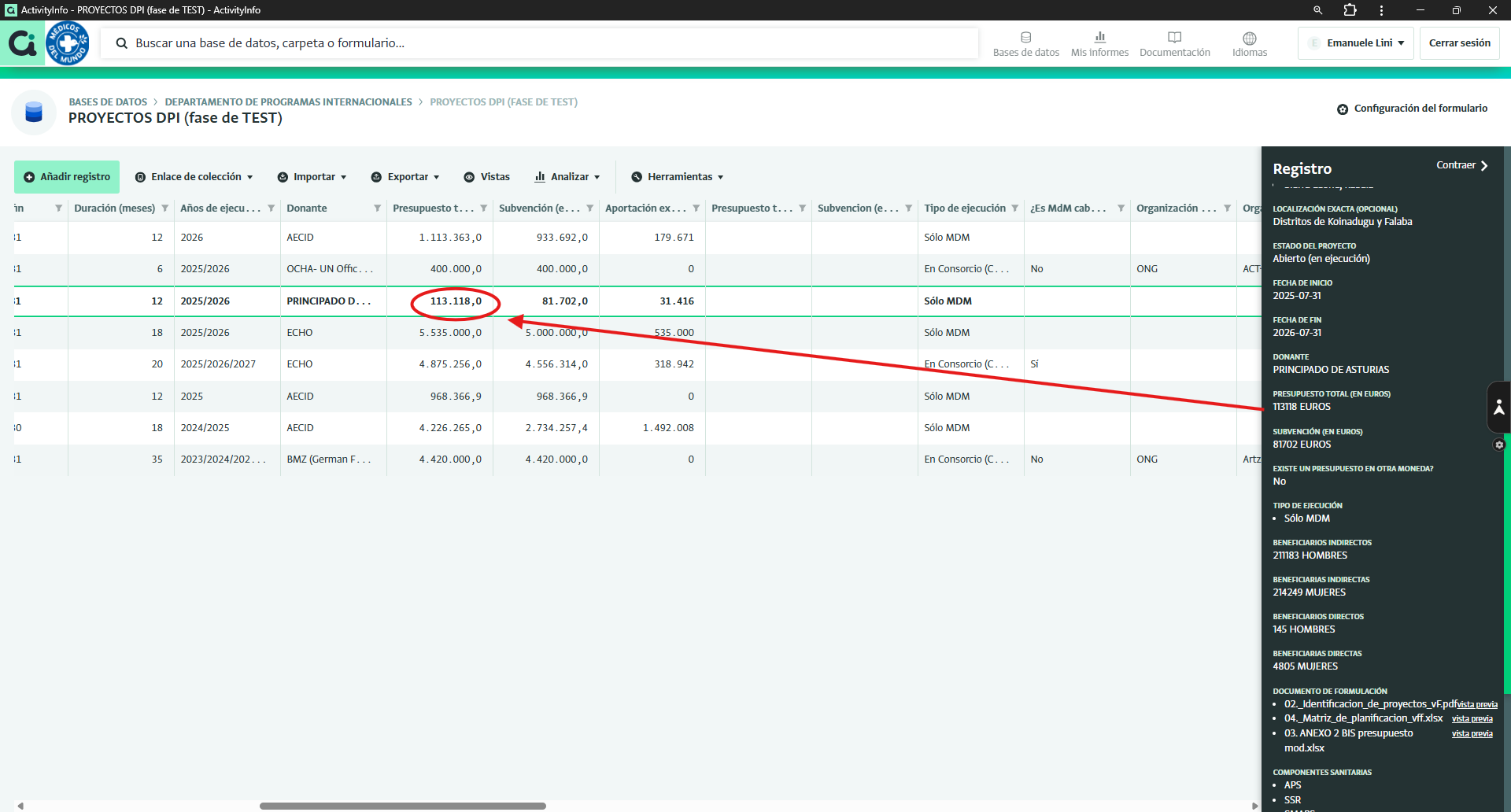
However, we are still seeing some bugs in the quantity fields, so that on certain occasions, when inserting a number without decimals (such as the number of beneficiaries), it appears in the table with decimals. Sometimes one decimal, sometimes two, sometimes three, sometimes none. See the attached screenshot.

Thank you for your help

Hi Emanuele,

Based on the screenshots you shared, the numbers are displayed correctly.

A few points to clarify the behaviour:

  • Quantities are displayed with both thousand and decimal separators in the table.
  • With the Spanish system language, the thousand separator is a period (.) and the decimal separator is a comma (,). (See Quantity field - ActivityInfo: information management software for M&E, reporting and case management )
  • The number of decimal places shown is determined by the values in the column:
    • All records in the same column are displayed using the highest number of decimal places found in that column(with a global maximum of 7 decimal places).
    • This keeps the formatting consistent across the entire table.
  • For example, 4.805,000 is shown because another record in the same column has three decimal places, such as 287,752.

I hope this helps. Let me know if you have any other questions.
1 Like