Hello there!
We have run out into a weird issue with the Detail View.
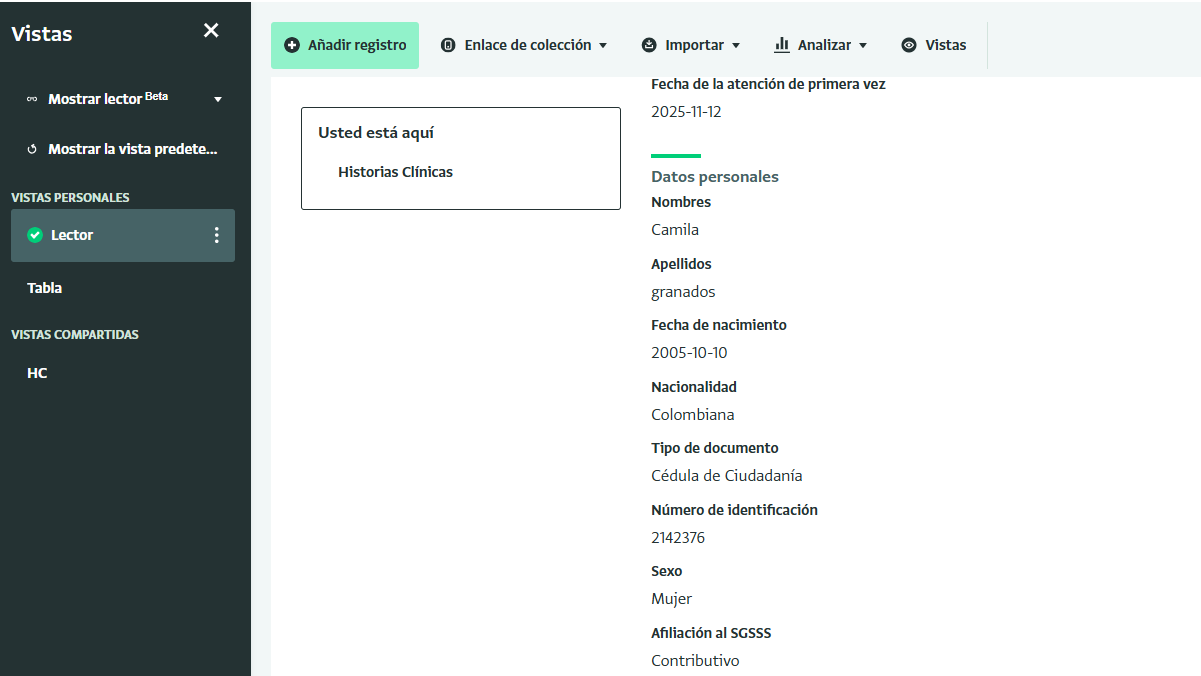
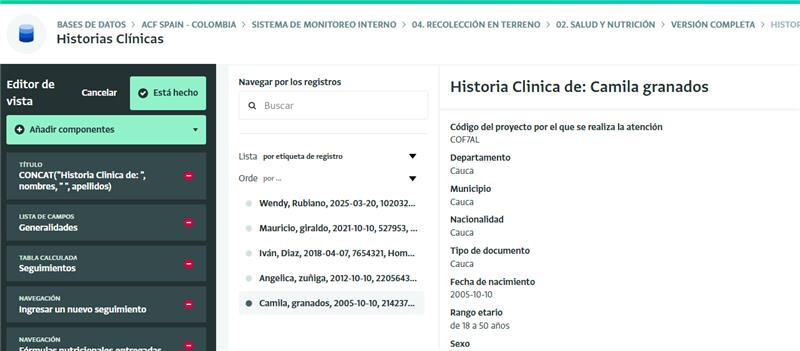
There are reference to fields (Nationality, Department, Municipality)
We see and select them well in the Table view, edit view and lector view
But in the Detail view, all reference field show the same value of Department, or sector for all fields..
I cannot explain how fields map to other fields from different related table
1 Like
As I mentioned in my reply to your helpdesk report, I want to repeat the information here for the community as well. This issue is linked to a known problem with how reference fields are resolved when multiple reference fields point to the same form. You’ll see the same behaviour in reports where similar reference fields are used as dimensions in analysis.
As a workaround, you can create a calculated field in the form settings that points to the field label and then select that calculated field in the record detail view field list.
We plan to address this as part of a broader improvement for next year.
1 Like