My name is Timothy, and I recently joined the ActivityInfo team, focusing on documentation and building resources to help you get the most out of ActivityInfo.
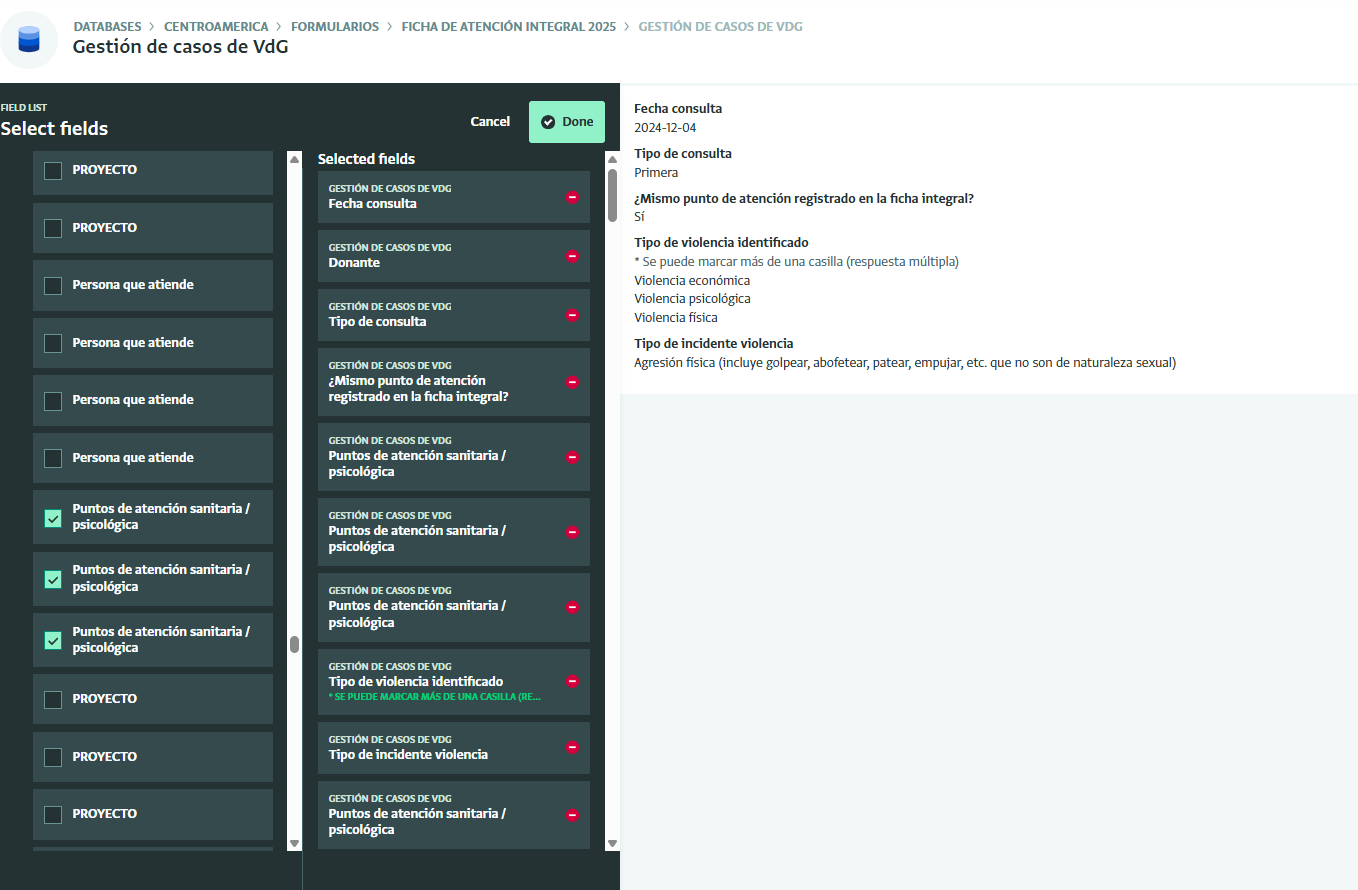
This feature enables you to bring all information related to a record onto a single view that can be shared across teams.
By consolidating information in the Record Detail View, it reduces the need to navigate repeatedly across multiple forms and subforms when reviewing related records, making workflows more efficient and user-friendly.
I’ve just make my tests with one or our form and I have a question: why we can’t see the calculated field? It is the same problem we have with the print view…
On the other hand, when you save your view, if you change the order of list and sort the records, this is not be saved. It remains the default one (“list by the record label”).
Finally, the reference fields are repeated many times in a strange way. (in this case, it is a subform)…
We’re indeed tracking a few bugs in this release, including the problem with calculated fields and reference fields with custom lookup configurations. The team is working on fixes now and hope to have fixes in the coming week or so.
Hello Alex!
And thanks for working on the bugs. Many have been resolved.
However, i’m surprised i cannot order/sort a calculated table. There are no functions to do so and in the detail view, the user cannot request the table to be sorted in one way or another.
Would i be possible to develop an ORDERBY() or SORTBY() function?
Thank you, Alex. In addition, and thinking on the next webinar, I would suggest to delete the field description in the “record detail” view, just as in the record resume on the right of the form table. Bests,
We have an upcoming webinar on September 30th, 2025, about creating customized views for your records in ActivityInfo. The session will include a live demo of the Record Detail View functionality.
It is not possible at this time to sort the rows in a Calculated Table that’s added to a Record Detail View. I recognize that would be quite useful so let me pass this on to our Product Team for consideration!